 Nativ Browser Docs
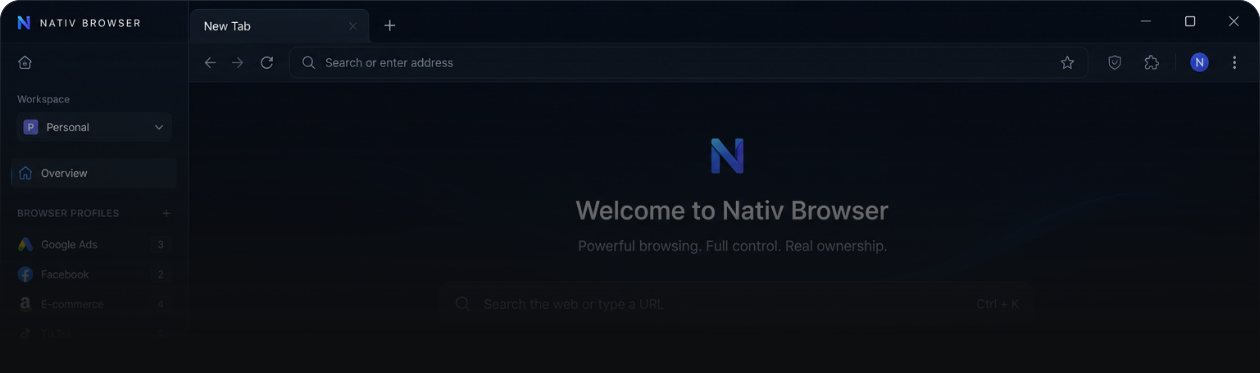
Nativ Browser Documentation
Everything you need to set up, configure, and automate Nativ Browser — from first install to API integration.
The first step
What is Nativ Browser?
Nativ Browser is an antidetect browser built on AABA Platform Core — a unified engine for browser session management, fingerprint isolation, and automation.
It allows individuals and teams to manage multiple isolated browser profiles, each with its own digital identity, proxy, and environment. Every profile looks and behaves like a separate real user — to websites, platforms, and detection systems.
- Affiliate and media buying teams managing multiple ad accounts
- Multi-account marketing operations
- Marketplace and e-commerce operators
- Browser automation and scraping teams
- SaaS platforms embedding browser infrastructure via API
- Unlimited isolated profiles — no cloud limits
- Advanced fingerprint management
- Standalone mode — works fully offline
- Cloud sync for teams
- API & Webhooks for automation
- OEM-ready for platform builders
Getting Started
Quick Start
Set up Nativ Browser, create your first isolated profile, and start working in minutes. This guide covers installation, account creation, profile setup, and the core concepts you’ll need before exploring advanced features.
- 1
-
2
Install
Run the installer and follow the setup wizard. No additional dependencies required.
-
3
Create an account
Open Nativ Browser and sign up for a free account. No credit card required. Full access for 4 days.
-
4
Create your first profile
- Click “New Profile”
- Set a name
- Choose a geo region
- Assign a proxy (optional)
- Click “Launch”
-
5
Start working
Your profile opens as an isolated browser window. All cookies, cache, and fingerprint data are contained within this profile.